

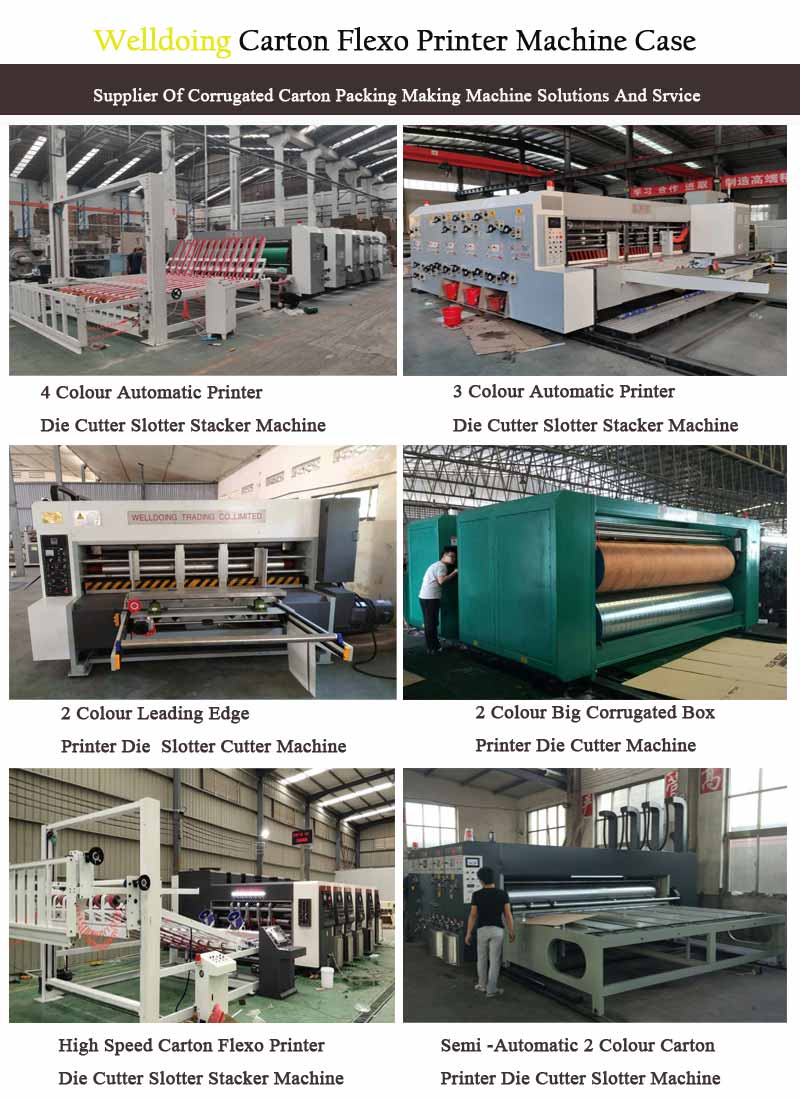
The operation of high-speed automatic printer die cutter slotter machines involves a series of standardized steps, including preparation before startup, equipment startup and debugging, formal operation, shutdown operation, and daily maintenance. The following content integrates relevant operational procedures and safety requirements.
Preparation before startup
Before operation, a comprehensive inspection is required: first, confirm that the appearance of the equipment is not damaged, and that the safety protection devices (such as protective covers and emergency stop buttons) are complete and effective; The power connection is firm, without looseness or damage, and the electrical system is normal; The transmission system (motor, reducer) is intact, without any abnormal noise or vibration, and necessary lubrication is carried out; Clean the top rubber rollers, mesh rollers, and paper feeding worktable of the printing machine to prevent foreign objects from damaging the components; Ensure that the ink roller and the mesh roller are in a separated state, and the motor speed control knob is reset to zero. At the same time, check whether the type and quantity of ink meet the requirements, whether the ink pipeline is unobstructed or leaking, and whether the concentration and level of the dampening solution are normal. Adjust the position and pressure of the paper feeding device (such as the paper stopper and paper feeding wheel) according to the size of the cardboard box.
Equipment startup and debugging
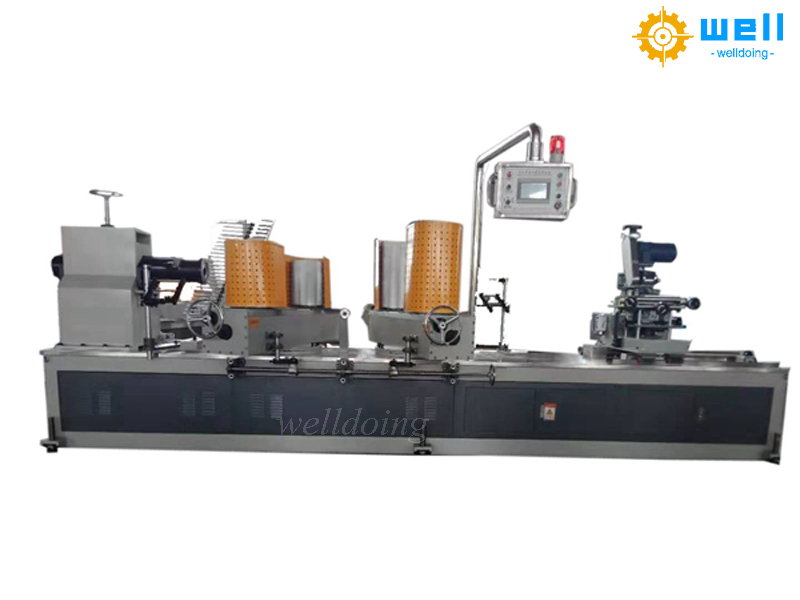
After connecting the power supply, start the main motor, ink circulation system, lubrication system and other subsystems in sequence according to the instructions on the operation panel. Run the Automatic carton printing die cutting slotting machine by air and check if all components are running smoothly and if there are any abnormal noises or vibrations. Subsequently, conduct a test run: first check the direction of rotation of the main drum at low speed, then gradually increase it to each speed gear and run for 10-15 minutes. Adjust the printing pressure (by adjusting the gap between the paper roller and the large roller through the square head screw), set the appropriate printing speed (matching the ink drying speed), and adjust the ink volume through the ink bucket key or ink control system. When installing the printing plate, it is necessary to ensure accurate positioning and firm fixation, and verify the registration accuracy, ink color, and clarity through trial printing. If necessary, fine tune the parameters.
Formal operation and monitoring
Place the cardboard boxes to be printed neatly on the conveyor belt, and after starting the equipment, the cardboard boxes will automatically pass through the printing mechanism to complete the job. Regular monitoring of packaging quality is required during operation, including printing pattern clarity, registration accuracy, and sealing firmness, and timely handling of paper blockages and uneven ink stains. It is strictly prohibited to touch the rotating parts during operation, to avoid overlapping paper feeding, and to ensure that the speed control knob is always in a safe state.
Shutdown operation and maintenance
After completing the task, stop the paper feeding device first and let the carton box printing die cutting slotting machine continue to run to empty the remaining ink. Close the ink circulation system, lubrication system, and main motor in sequence. Clean the printing cylinder, rubber blanket, printing plate, ink roller and other components after shutdown to prevent residual ink from drying out. Conduct comprehensive maintenance once a month, including checking the lubrication status and fastening connection components, to extend the service life of the equipment.

If you are also interested in this machine,please don’t hesitate to contact us:
Overseas manager: Tom Wang
Email:cartonmachine.tomwang@aliyun.com
Phone/Wechat/Whatsapp:+86 13303078975
Post time: Dec-19-2025